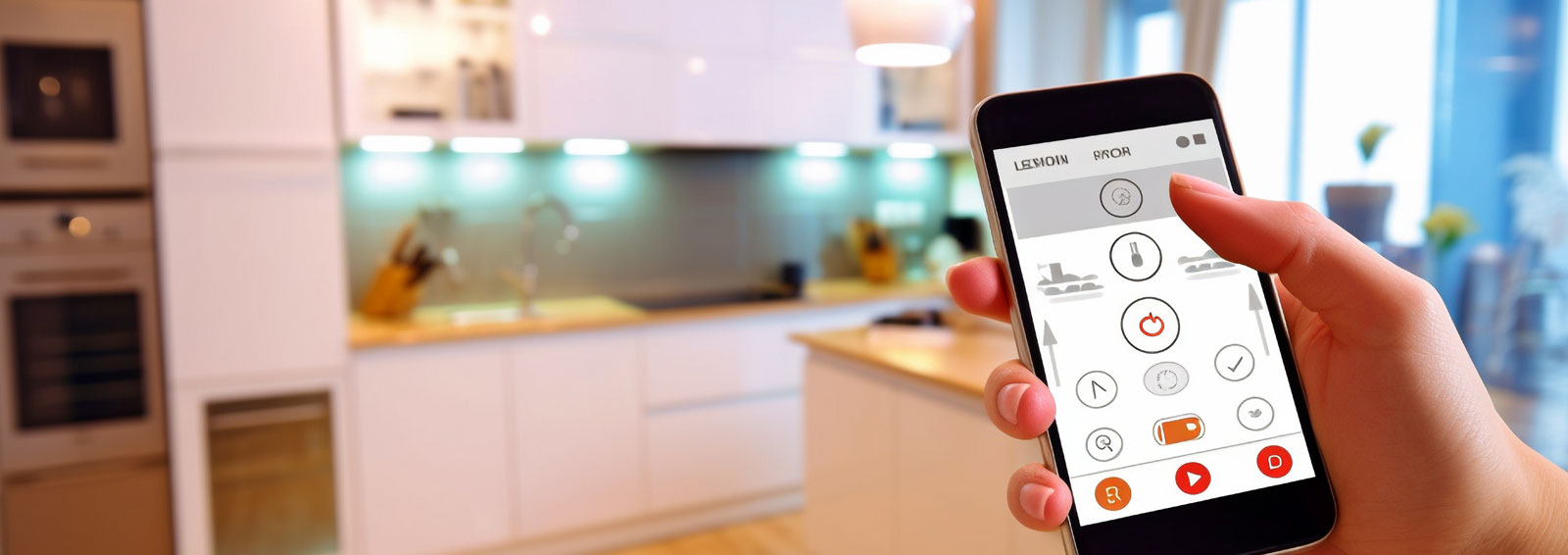
Which Smart Home Security System Is Best in 2026?
Quick Summary
The best smart home security system depends on your household, so no single product wins for everyone. Wire-free cameras suit renters and DIY installers, while wired or professionally installed systems suit larger homes. Match the system to your property before you buy.
- Wire-free cameras are quicker to install, while wired cameras stay online more consistently.
- Check whether footage is stored locally or in the cloud, since cloud storage usually carries a subscription fee.
- Confirm the system supports the lighting, blinds and climate devices you already own.
- Use activity zones and pet-immune sensors to reduce false alarms.
- Test the system for a week before relying on it, including how it behaves during an internet outage.
Table of Contents
- How We Assessed Smart Home Security Systems for 2026
- Smart Home Security System With Cameras: What to Look For
- Wireless Home Security Systems Compared
- Smart Home Security Integration With Lighting, Blinds and Climate
- Home Security System Installation: Professional or DIY?
- Keeping Privacy, Outages and False Alarms in Check
- Choosing Your Smart Home Security Setup and Booking a Consultation
- Frequently Asked Questions
How We Assessed Smart Home Security Systems for 2026
Choosing a smart home security system in 2026 is harder than it looks, and the reason is simple: most households have different needs. A system that suits a small apartment may not work for a four-bedroom home with a pool and a home office. To help you decide, this guide from Cube Automation looks at the best smart home security system options available to Australian households and explains how each one fits different situations.
Our approach is practical. We focus on what matters most when you live with a system every day: how well it integrates with the smart devices you already own, how cameras perform, how easy it is to install, and what it costs to run over time. Consumer testing is a useful starting point. Consumer Reports surveyed more than 11,000 security system owners to rate home security systems (Consumer Reports best home security systems of 2026), and that owner feedback shapes the criteria below.
One point runs through everything in this guide: there is no single best system for every household. CNET makes the same point, noting that the best camera choice depends on a home's specific needs (CNET best home security systems in 2026). Treat any ranking as a shortlist, then match it to your home.
Smart Home Security System With Cameras: What to Look For
Cameras are often the first thing homeowners ask about. A camera system should be judged on what it records, where the footage goes, and how reliably it stays connected.
Key points to check:
- Wire-free or wired: Wire-free cameras are quicker to install. Wired cameras tend to stay online more consistently when the network is unreliable.
- Video storage: Find out whether footage is stored locally, in the cloud, or both. Cloud storage usually carries a subscription fee.
- Field of view and night vision: Confirm that the camera covers your entry points, driveway and side gates.
- Activity zones: These let you ignore movement from a street or neighbouring tree and focus on your property.
The Eufy range is noted for its wire-free cameras and DIY setup (U.S. News best wireless home security systems of 2026), which makes it a practical option for renters or anyone who wants to avoid running cable. For homes that need a fixed, professionally installed camera network, a CCTV systems installation service is usually the better route. Our team can assess your property and recommend the right camera layout. CCTV systems installation covers the options we install.
Wireless Home Security Systems Compared
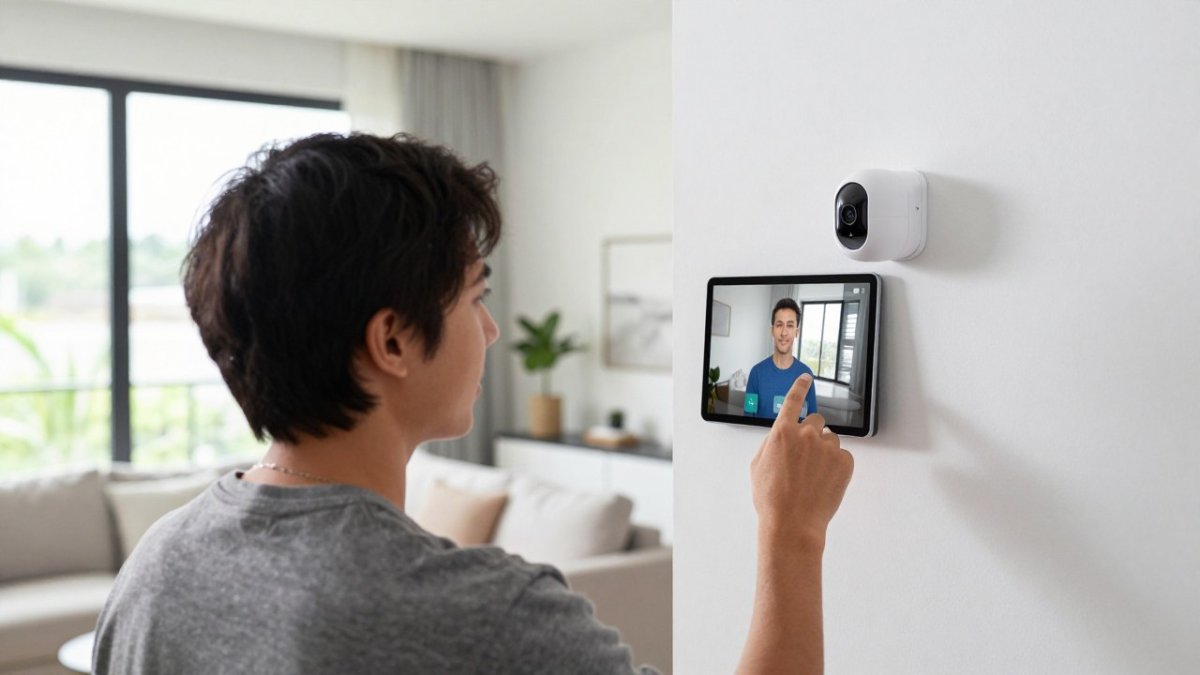
Wireless systems are the most common choice for households that want to avoid drilling and cable runs. They connect sensors, cameras and a control panel over a secure wireless network, and they usually come with an app for remote access and real-time alerts. Cube Automation's smart alarm system for home and business keeps your property protected when you are asleep or away. But not all wireless systems are equal, and the differences matter once you live with them.
The table below summarises how the main options compare on the criteria that matter most.
| System | Best For | Installation | Standout Feature | Contract |
|---|---|---|---|---|
| SimpliSafe | DIY starter kits | Self-install | Simple setup, no-contract monitoring | No long-term contract |
| Eufy | Wire-free cameras | DIY | Local storage, no mandatory cloud fee | No contract |
| Ring Alarm | Bundled alarm kits | DIY | Eight-piece kit, strong app ecosystem | Optional professional monitoring |
| Wyze | Lower-cost equipment | DIY | Budget-friendly sensors and cameras | No contract |
| ADT | Smart-home integration | Professional | Native smart-home links, 24/7 monitoring | Typically 24-month contract |
| Vivint | Home automation | Professional | Advanced automation, professional install | Typically 24-month contract |
Pricing: Equipment and monitoring costs depend on the system, the number of devices and the level of monitoring you choose. Check each provider's website for current Australian prices, or contact Cube Automation for a quote.
Wireless vs wired trade-offs: Wireless systems can be quicker to install, but they depend on battery life and wireless signal strength. A common pattern is to use wireless for sensors and cameras, and wired for the main control panel and any fixed cameras.
Smart Home Security Integration With Lighting, Blinds and Climate
A security system becomes far more useful when it works with the rest of your home. Integration lets your alarm trigger lights, close blinds or adjust climate settings, so the house responds to what is happening without you touching a switch.
Before you buy, confirm which ecosystems the system supports. Some providers have native links with specific platforms, while others depend on third-party hubs. Mixing devices from different brands often creates gaps, so check compatibility with the lighting, blinds and climate equipment you already have or plan to install.
For households planning a renovation or new build, integrating security, lighting and climate from the start is worth considering. Our team designs these systems as one connected setup. Smart home automation shows the automation work we carry out.
Home Security System Installation: Professional or DIY?
Whether you install a system yourself or hire a professional depends on the system you choose, the size of your home and how much you want to rely on the monitoring.
DIY installation suits smaller homes, simple wireless kits and people comfortable with apps and basic device setup. It is usually quicker and cheaper upfront.
Professional installation makes sense for larger homes, wired cameras, multi-level properties and systems that need careful placement of sensors and controllers.
Installation quality affects how the system performs, so it is worth asking about aftercare. Our installation team can advise which route suits your property. See our security systems range for the options we install.
Keeping Privacy, Outages and False Alarms in Check
Most guides focus on features. Three practical issues deserve equal attention, and they are where many systems fall short in real homes.
Privacy and data handling: Cameras record people who visit your home and sometimes neighbouring property. Check where footage is stored, who can access it, and whether you can turn off recording in specific areas. Look for two-factor login on the app. Local storage keeps footage in your home, while cloud storage sends it to the provider's servers. Ask whether the system supports privacy zones that mask sensitive areas like neighbouring windows or footpaths. Look for encryption on video streams and stored footage.
Outages and connectivity failures: A system that depends entirely on internet access may stop working during a power or connection failure. Ask whether the system has battery backup or cellular backup, and test how it behaves when the router is switched off. Cellular backup can keep the system online during internet outages. Battery backup keeps sensors and the control panel running during a power failure, depending on the system. Local sirens can sound without a monitoring centre.
False alarms and alert quality: Frequent false alarms waste time. Activity zones, pet-immune motion sensors and clear alert settings all reduce unnecessary notifications. Setup matters as much as hardware here. Configurable detection zones can help you exclude busy streets or swaying trees. Alert quality also depends on how notifications are delivered: push notifications, email, or SMS. Test the system for a week before relying on it.
Interoperability across ecosystems: Before you buy, confirm which smart home platforms the system supports. Some providers have native links with specific platforms, while others depend on third-party hubs. Mixing devices from different brands often creates gaps, so check compatibility with the lighting, blinds and climate equipment you already have or plan to install. A practical compatibility matrix for voice assistants, smart locks, lighting, and common connectivity standards (such as Wi-Fi, Zigbee, Z-Wave, and Matter) will save you from buying devices that cannot talk to each other.
Smart home devices can add their own security risks, so keep firmware updated and use a strong, unique password for each account.
Choosing Your Smart Home Security Setup and Booking a Consultation
Start by listing the entry points, the rooms you use most, and the devices you already own. Then decide whether you want a DIY wireless kit, a professional wired system, or a combination. A short shortlist of two or three systems is usually enough to compare properly.
If your home is part of a renovation or new build, or you want security, lighting and climate working together, a consultation is the fastest way to get a clear plan. Cube Automation provides tailored automation and electrical solutions for residential and commercial properties, and our licensed electricians handle the wiring and commissioning. Contact us to discuss your property, and we will recommend the setup that fits your needs and budget. Get a quote to start the conversation.
Frequently Asked Questions
What is the best smart home security system in 2026?
No single system suits every household. Third-party ratings can help you shortlist options, but the best choice depends on a home's needs. Start by listing your priorities: cameras, wireless installation, smart home control or monitoring cost. Then compare the systems that match those priorities. Cube Automation can help you assess which setup suits your property before you commit to equipment.
What should I look for in a smart home security system?
Look at camera quality and field of view, whether the system works with your existing smart devices, how alerts are delivered, and where video is stored. Check whether the system keeps working during an internet outage and how false alarms are handled. Ask for a clear breakdown of equipment and monitoring costs, as pricing depends on the system and your requirements. Cube Automation can review these points for your home.
Are wireless or wired home security systems better?
Wireless systems are generally quicker to install and easier to extend, which suits renters and DIY installers. Wired systems can be more reliable where wiring already exists or where a fixed connection matters most. Many homes use a mix of both. A licensed electrician can assess the existing wiring in your property and recommend the option that fits best.
Do smart home security systems need professional installation?
Some systems are designed for DIY setup, while others are installed by a professional. Professional installation helps when the home has older wiring, several floors or integration with lighting and climate controls. Cube Automation's licensed electricians handle design, installation and maintenance, so you can confirm the work is done to the right standard.
