How to Choose the Best Smart Home System Installers
Last Updated: November 14, 2026
Quick Summary
Good smart home system installers hold a current electrical licence, carry public liability insurance, and hold active platform certifications. Compare them on project experience, references who can speak to after-sales support, and itemised written quotes that state what is excluded. Request a consultation before committing to a platform.
- Confirm the electrical licence is current, since smart home projects usually involve mains wiring.
- Request a certificate of currency for public liability insurance in the business name on the quote.
- Ask for two or three completed projects comparable to yours in size, property age and scope.
- Compare quotes on what they include, because a noticeably cheaper quote often reflects a narrower scope.
Table of Contents
- What a Smart Home System Installer Actually Does
- Selection Criteria for Vetting Smart Home System Installers
- Home Automation Consultants: What a Good Consultation Covers
- Smart Home Automation Systems: Matching Platforms to Your Home
- Integrating Lighting, Climate, Security and Energy
- Quotes, Timelines and the Installation Workflow
- Smart Home System Maintenance and Support After Handover
- Booking Your Smart Home Consultation With Cube Automation
- Frequently Asked Questions
What a Smart Home System Installer Actually Does
A smart home system installer designs, supplies, installs and configures the hardware and software that connects a home's lighting, blinds, climate, security and energy systems. Good smart home system installers also test the system, train the household and stay available after handover.
Installers typically handle:
- Assessing the wiring, network and power supply already in the property
- Choosing a platform and devices that suit the household's needs
- Programming scenes, schedules and control interfaces
- Commissioning the system and checking every device responds correctly
- Showing the homeowner how to use the app, panels or voice control
Where an installer also connects solar, battery storage or EV charging, the energy management side becomes just as important as lighting and security.
Selection Criteria for Vetting Smart Home System Installers
Most ranking pages tell you to 'choose a qualified installer' and stop there. The useful version is a checklist you can actually work through, with a clear idea of what a good answer looks like and what should make you pause.
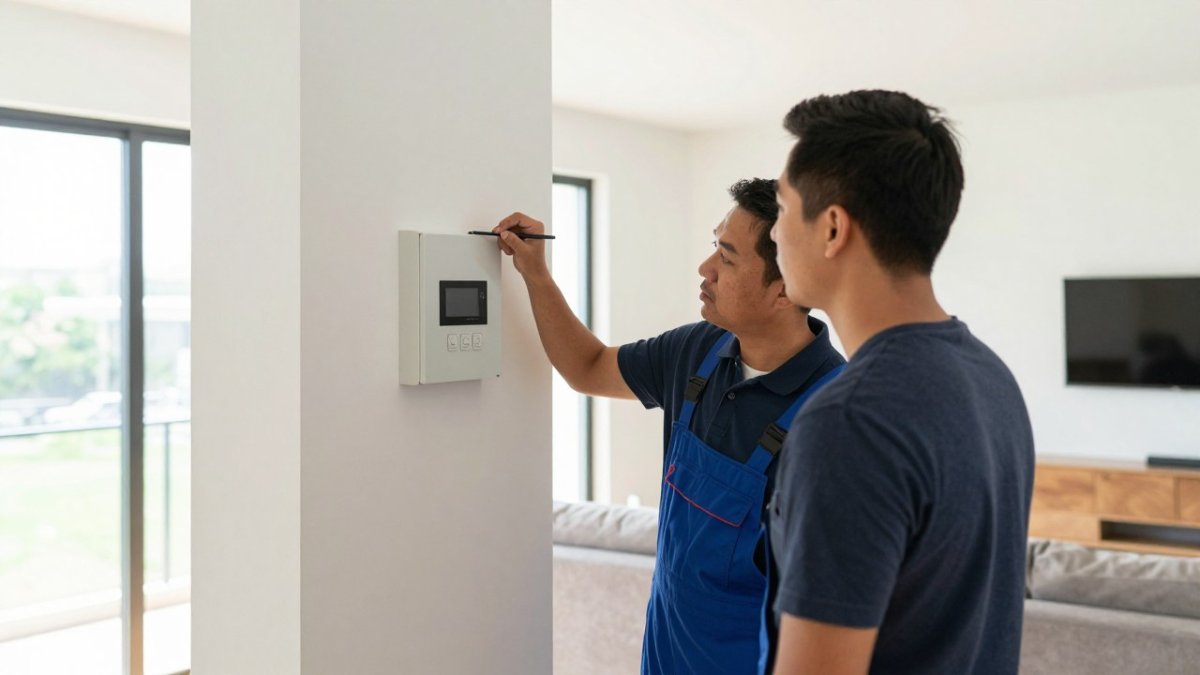
Licensing and electrical work. Smart home projects usually involve mains wiring, so confirm the installer holds the electrical licence required in your state or territory and that the licence is current. Ask who will sign off the electrical compliance certificate and who is responsible for the fixed wiring.
Insurance and business standing. Request a certificate of currency for public liability insurance and confirm the policy is current and in the business name on the quote. Ask whether the business is an incorporated entity or a sole trader. This is basic due diligence, not distrust.
Platform certification and manufacturer training. Ask which certifications the installer currently holds and when they were last renewed. A certification that lapsed years ago tells you less than an active one, and a willingness to name the specific training completed is a better signal than a general claim of 'extensive experience'.
Relevant project experience. Ask for two or three completed projects comparable to yours in size, property age and system scope. A renovation with older wiring presents different problems from a new build with pre-planned cabling, and a single-room retrofit is a different job from a whole-home integration. Ask what went wrong on those projects and how it was resolved, the answer is often more informative than the project photos.
References you can actually contact. Request references from recent customers, ideally ones who have had a fault resolved after handover rather than only at the point of installation. A reference who can describe the support experience is worth more than one who only confirms the system was installed.
Written scope and exclusions. A credible quote itemises equipment, labour, programming, commissioning and any allowances for unexpected wiring work, and it states plainly what is excluded. Vague quotes that bundle everything into a single figure make comparison impossible and tend to grow once work begins.
After-sales support arrangements. Ask how faults are reported, what the typical response time is, whether software updates are included, and who to contact if a device stops responding after a router change. An installer who cannot describe their support process in specific terms is unlikely to have one.
How they handle non-integrating devices. Ask what happens when a device will not integrate with the chosen platform. A reliable answer explains the options, a bridge, a replacement device, a workaround, or a clear statement that it will not work, rather than promising that everything works with everything.
Watch out: a quote that is noticeably cheaper than the others often reflects a narrower scope, uncertified equipment or no real support arrangement, so compare what is included rather than only the total.
Home Automation Consultants: What a Good Consultation Covers
A home automation consultation should begin with how you live in the home, not with a product catalogue. Expect questions about daily routines, the number of occupants, future plans and any accessibility needs.
A useful consultation typically covers:
- A review of the existing wiring, network and devices
- Your priorities, such as security, comfort, energy use or convenience
- Which rooms and systems should be included in the first stage
- A rough outline of options, with the trade-offs of each
- Next steps, including whether a site visit or formal quote is needed
Ask in advance whether a consultation is free or charged, so there are no surprises.
Smart Home Automation Systems: Matching Platforms to Your Home
No single platform suits every home. A system built for a small apartment may struggle in a large property with multiple levels, while a complex platform may be more than a simple renovation needs.
When comparing options, consider:
- Compatibility: Will the system work with devices you already own, or will you need to replace them?
- Scalability: Can you add rooms, sensors or energy devices later without starting again?
- Local control: Does the system keep working if the internet connection drops?
- Ease of use: Can everyone in the household operate it without help?
A common mistake is choosing a platform based on the most features rather than the features your household will actually use. Start with the daily tasks you want to simplify, then pick the platform that handles them reliably.
The table below summarises the key points to weigh when comparing platforms for your home.
| Factor | What to check | Why it matters |
|---|---|---|
| Compatibility | Works with devices you already own | Avoids replacing hardware |
| Scalability | Can add rooms, sensors or energy devices later | Avoids starting again |
| Local control | Keeps working if internet drops | Keeps the home usable in outages |
| Ease of use | Everyone can operate it without help | Ensures daily use |
Integrating Lighting, Climate, Security and Energy
The real value of a smart home comes from systems working together. Lighting can dim when a movie starts, blinds can close when the afternoon sun heats a room, and climate control can adjust when nobody is home.
Lighting and climate integration typically needs careful planning.
Security integration can link cameras, door sensors and alarm systems so that one event triggers the right response. Energy integration can shift large loads to times when solar generation is high or electricity rates are lower.
Before committing to an integrated design, confirm which parts are wired and which are wireless, and how the system will respond during a power or internet outage.
Quotes, Timelines and the Installation Workflow
A reliable quote itemises equipment, labour, programming, commissioning and any allowances for unexpected wiring work. Compare quotes on what they include, not only the total figure. Pricing depends on the size of the project, the equipment chosen and the condition of the property, so direct your questions to Cube Automation for a current quote.
Installation timelines vary. A small project in a single room may take a few days, while a full renovation or new build may run over several weeks and needs to be coordinated with builders and other trades. Ask for a written schedule with milestones, and check how delays will be communicated.
A typical workflow looks like this:
- Consultation and site assessment
- Design and written quote
- Equipment ordering and scheduling with other trades
- Rough-in wiring and installation
- Programming, testing and commissioning
- Homeowner training and handover
Smart Home System Maintenance and Support After Handover
Many smart home problems appear months after installation rather than on the day it is finished. Software updates, changes to a home network and new devices can all affect how the system behaves, so the support arrangement matters as much as the hardware.
Warranty coverage. Ask separately about equipment warranty, workmanship warranty and programming or configuration warranty. These are often different lengths and are sometimes provided by different parties, the manufacturer covers the device, the installer covers the labour and the configuration.
Response times and service agreements. A service agreement should state how faults are reported, what the target response time is for different severity levels, and whether after-hours support is included or charged separately. Ask whether the agreement is optional or bundled into the installation price, and what happens if you decline it.
Software updates. Confirm whether platform and device firmware updates are included or charged separately, who applies them, and whether they are applied remotely or require a site visit. Ask what testing is done before an update is pushed to a live system, because an untested update can break scenes and schedules that were working fine.
Network changes and device additions. A router replacement, a changed Wi-Fi password or a new internet provider can knock devices offline. Ask who to contact in that situation and whether remote support is available. If you plan to add devices later, confirm whether that is a self-service task or requires the installer, and what it costs.
Documentation and handover records. Good installers document the system layout, device inventory, network details and account credentials, and give you a copy at handover. Keep that record somewhere safe and update it when devices are added or replaced, as it will save time if you ever need help from a different technician.
Privacy, cybersecurity and local control. Ask where system data is stored, whether the system depends on a cloud service, and what continues to work if the internet connection drops. Confirm how accounts are secured, whether multi-factor authentication is available, and whether the smart home network is separated from the main home network.
Accessibility and household changes. If someone in the household has mobility, sensory or usability needs, ask how the system accommodates them, larger touch panels, voice control, physical switches that still work, or simplified scenes. Household routines change, and a system that can be adjusted without a full redesign is easier to live with.
Watch out: a handover that consists only of a working app and a verbal walkthrough leaves you dependent on the installer for every future change, so insist on written documentation before final payment.
Booking Your Smart Home Consultation With Cube Automation
Choosing an installer is a decision that affects your home's comfort, security and running costs for years. Take the time to compare licences, project experience, written quotes and support arrangements before you commit.
At Cube Automation, we design and install integrated systems for lighting, climate, security and energy across Queensland homes and commercial properties. If you are renovating, building or upgrading an existing system, book a smart home consultation to talk through your options. You can also explore our smart climate control options or request a quote for your project.
Frequently Asked Questions
How do I choose a smart home system installer?
Start by checking that the installer holds the relevant electrical licensing for work in your state, then ask for examples of completed projects similar to yours. Request a written consultation that covers your existing devices, your network and your goals before any hardware is chosen. Compare written quotes line by line rather than by total price, and ask who will support the system after handover and how quickly they respond to faults.
Can a smart home installer integrate devices I have already bought?
Often yes, but it depends on the protocols those devices use and whether they can be brought under a common controller. A good installer will audit existing equipment during the consultation and tell you which items can be integrated, which need replacing and which should stay standalone. Ask for this audit in writing so you know what you are paying for before work begins.
Can smart home systems be installed during a renovation?
Yes. Installing cabling, controllers and sensors while walls are open is usually simpler and less disruptive than retrofitting later. Schedule the consultation before the electrical rough-in so the installer can plan cable routes, switch positions and network points. Coordinate with your builder and electrician so that wiring, data points and smart devices are all accounted for in one plan.
What happens if my smart home system fails after installation?
Ask before you sign whether the installer offers a warranty, a maintenance agreement and remote diagnostics. Confirm the response time for faults, who holds the system passwords and how software updates are handled.
