How to Set Up ABB-free@home Smart Home Control
Last Updated: November 22, 2026
Quick Summary
ABB-free@home is a wireless and wired home automation system from ABB that controls lighting, blinds, heating and scenes. Wireless versions suit existing homes because they need no new control cabling, while wired versions suit new builds or renovations done before linings go on.
- One wall switch can trigger a lighting scene, close blinds and adjust heating together.
- Wireless suits existing homes; wired suits projects where cabling can be run during construction.
- Confirm wireless signal at the actual device locations, not just at the switchboard.
- Five or six well-chosen scenes are easier to use than a long list nobody remembers.
- Wall controls keep working if the internet drops; app-based remote access will not.
Table of Contents
- What ABB-free@home Is and How the System Works
- What ABB-free@home Can Control in a Home
- ABB-free@home Wireless Versus Wired: Choosing a Configuration
- ABB-free@home Lighting Control and Scenes
- ABB-free@home Installation: Planning and Setup Steps
- ABB-free@home Energy Management and Smart EMS Integration
- Planning Your ABB-free@home Smart Home With Cube Automation
- Frequently Asked Questions
What ABB-free@home Is and How the System Works
ABB-free@home is a wireless and wired home automation system from ABB, designed to control lighting, blinds, heating and scenes without tearing out existing finishes. At Cube Automation, we work with the system as part of residential and commercial electrical projects across South-East Queensland.
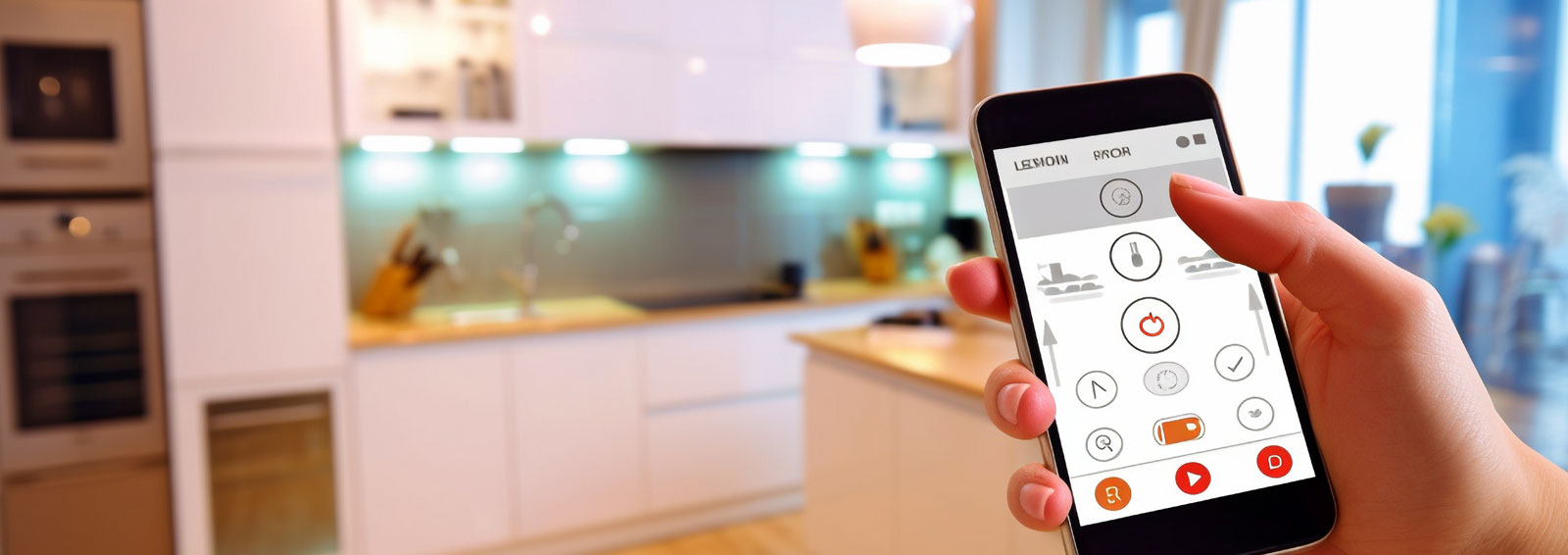
The system is built around a central control point and individual actuators and sensors. Devices communicate with each other, so a single wall switch can trigger a lighting scene, close the blinds and adjust heating in one action. Users can also control the home from a smartphone or tablet app, and the system can sit alongside voice assistants such as Apple Home, Google Home and Amazon Alexa, according to ABB's ABB-free@home interoperability overview.
What ABB-free@home Can Control in a Home
The system covers the core functions most homeowners want to automate: lighting, blinds, heating and climate control, and scene-based control across rooms. The breadth of what it manages is what makes it useful for renovations, where several trades can be coordinated around one control platform.
Lighting and dimming
Dimming and switching are the most common starting points. Lights can be set to scenes such as "movie", "dinner" or "night path", and adjusted from wall panels or a phone. Because the system is modular, you can start with a few circuits and expand later.
Blinds, shutters and heating
Blinds and shutters can be opened, closed or positioned on a timer or in response to a scene, which helps with glare and privacy. Heating can be linked to room controls so that comfort settings change with occupancy and time of day. ABB describes wireless options for modernising these functions while keeping the interior intact, as outlined in its ABB guidance on wireless home renovation and retrofit.
ABB-free@home Wireless Versus Wired: Choosing a Configuration
The choice between wireless and wired is the most important early decision, and it is where most product pages stop short. Rather than a simple "wireless for retrofits, wired for new builds" summary, it helps to compare the two configurations on the factors that actually change the outcome: disruption, reliability, scalability, and how well each suits the building you have.
Wireless configuration. ABB-free@home Wireless uses radio-based devices that communicate without new control cabling, which is why it suits existing homes, apartments and renovations where chasing walls or lifting floors is impractical or expensive. The trade-off is that radio performance depends on the building fabric: thick masonry, steel-framed walls, foil-backed insulation and large multi-storey floor plans can attenuate signal, so a site assessment should confirm coverage before devices are specified. Wireless is also the better fit when the scope is staged over time, because additional devices can be added room by room without reopening finished surfaces.
Wired configuration. A wired bus gives a more predictable foundation: device communication does not depend on radio coverage, the system can be designed from the outset for a large device count, and the control architecture is easier to document and expand in a planned way. Wired is most practical when cabling can be run during construction or a major renovation, before linings go on.
How to decide. Work through four questions before committing. First, what stage is the building at, is there an opportunity to run cable, or are finishes already in place? Second, how many devices and rooms are in scope now, and how many are realistically likely within a few years? Third, what is the construction of the property, and has radio coverage been checked rather than assumed? Fourth, how much disruption can the household tolerate during the works?
Confirm signal at the actual device locations, not just at the switchboard.
A hybrid approach is also worth discussing with your electrician: wired where cable is easy to run during works, wireless for the rooms that are already finished. The right answer is driven by the building and the plan, not by a preference for one technology.
ABB-free@home Lighting Control and Scenes
Scenes are where the system earns its place in everyday use. A single scene can set lighting levels, close blinds and adjust heating for a specific activity, such as arriving home or going to bed. Scenes reduce the number of separate controls people need to remember.
Good scene design starts with how the household actually uses each room. Map the common activities first, then assign lights and shading to each one. Keep the number of scenes manageable; five or six well-chosen scenes are easier to use than a long list that nobody remembers.
ABB-free@home Installation: Planning and Setup Steps
A typical project runs through site assessment, control design, first fix, device installation, commissioning, handover and training.
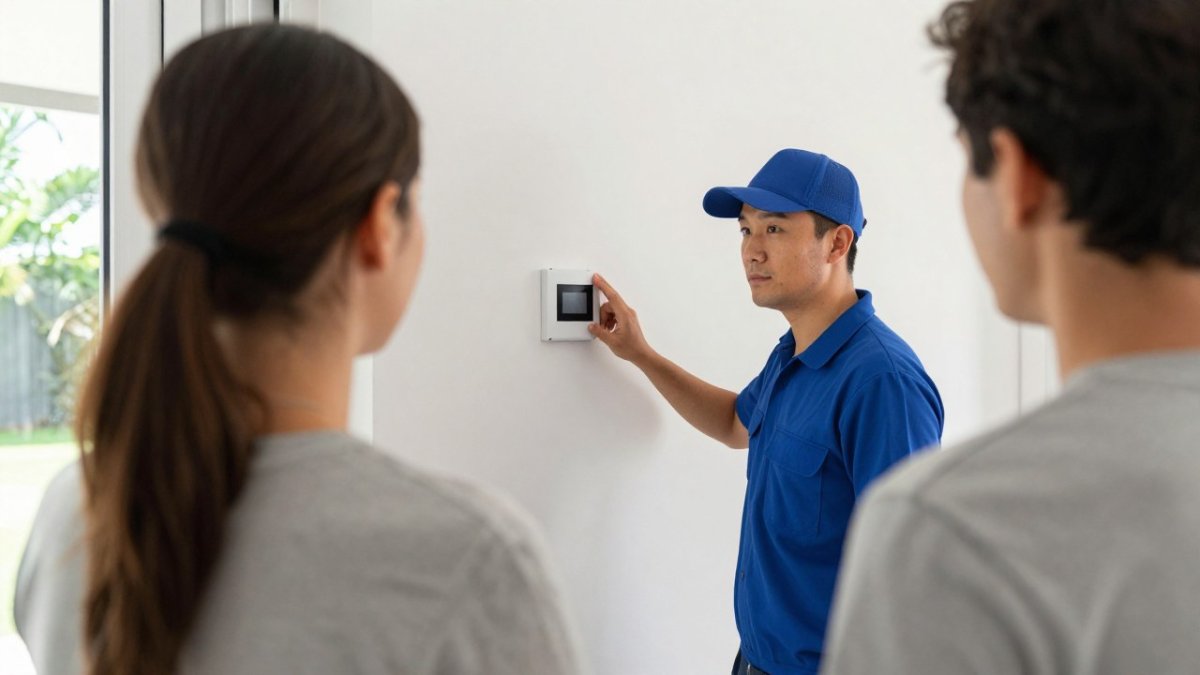
Site assessment and design. The electrician confirms the existing wiring, the number of circuits and control points, the construction of the walls, and any equipment the system needs to work alongside, such as existing heating, air conditioning or door communication. This is also the point to agree the control layout room by room and the scene logic with the homeowner, because changing scene behaviour after commissioning is more time-consuming than designing it up front. A licensed electrician should carry out and certify the electrical work; in Australia, electrical installation work must be performed by a licensed electrician, and the specific licensing and notification requirements are set by the state or territory regulator (Refrigeration and air conditioning technicians and electrical work).
First fix and device installation. In a wired project, cabling is run during first fix, before linings are closed, and device locations are set out to match the agreed layout. In a wireless project, devices are mounted at existing switch points and luminaires, which is why the coverage check from the assessment stage matters. Either way, confirm power supply and circuit capacity before hardware goes in, and keep a device schedule so the system can be documented and expanded later.
Commissioning. Commissioning is the step that turns installed hardware into a working system: each device is addressed and tested, scenes are built and verified, and the interaction between lighting, blinds and heating is checked in the rooms where it will actually be used. This is also when the app and wall controls are configured and the homeowner is walked through them.
Network and connectivity. App control and remote access depend on the home network and, for remote access, an internet connection. Plan for a stable Wi-Fi network with coverage in the areas where control is needed, and confirm what the system does if the internet drops: local control at wall panels and switches should continue to work, while app-based remote access will not. Ask your installer to demonstrate this during handover rather than assuming it.
Handover, training and expansion. Handover should include a walkthrough of the scenes, the app, the wall controls and what to do if something stops responding. Keep the device schedule and commissioning notes, because future expansion, adding a room, a circuit or an integration, is far easier when the original design is documented.
!Licensed electrician reviewing a wall-mounted smart control panel with a homeowner in a renovated living room
The article breaks a typical project into a sequence of stages, summarised below.
| Step | What happens | Key point |
|---|---|---|
| Site assessment and design | Confirm wiring, circuits, wall construction and layout | Agree scene logic before commissioning |
| First fix and device installation | Run cabling or mount devices at switch points | Confirm power and circuit capacity first |
| Commissioning | Address and test devices, build and verify scenes | Check lighting, blinds and heating together |
| Network and connectivity | Plan stable Wi-Fi and check offline behaviour | Wall controls work without internet |
| Handover and training | Walk through scenes, app and wall controls | Keep device schedule and commissioning notes |
ABB-free@home Energy Management and Smart EMS Integration
Energy management is an important part of the system's value. For homes with solar, batteries or EV chargers, this kind of load management can make a measurable difference to how and when energy is used.
Integrating energy management works best when it is planned from the start. The control logic needs to know which appliances and systems matter most, and how solar generation and battery storage fit into the household's daily pattern.
Planning Your ABB-free@home Smart Home With Cube Automation
If you are renovating or building in Queensland, the right time to plan an ABB-free@home system is before walls are closed up. Cube Automation's licensed electricians can assess your property and discuss a suitable configuration for your home.
Pricing depends on quantity, scope and delivery, so the most accurate figure comes from a site-specific quote. Read typical smart home automation costs in Australia to see how budgets are usually broken down before you ask. You can request a quote from Cube Automation or learn more about smart home options from Cube Automation to start planning your project.
Frequently Asked Questions
What is ABB-free@home?
ABB-free@home is a home automation system from ABB, a manufacturer of electrical products. It lets you control lighting, blinds, heating and other connected devices from wall switches, touch panels or a smartphone app. Because it is designed to fit existing interiors, it is often considered for renovations as well as new builds.
Can ABB-free@home be installed in an existing home?
Yes. ABB describes its ABB-free@home Wireless option as a way to add automation while keeping existing interior finishes intact, which suits renovations where cabling is difficult to run. Whether a particular property is suitable depends on its existing wiring, switchboard and the devices you want to control. A site assessment before purchase is the most reliable way to confirm what can be reused and what needs changing.
Does ABB-free@home work with other smart home devices?
ABB states that the system can integrate with major smart home ecosystems, and its 2024 Matter compatibility announcement supports that direction. Integration with appliances and third-party devices depends on the specific products involved. Before buying, check each device against the system's supported integrations, and confirm the setup with your installer so you know which existing devices can be kept and which may need replacing.
Can ABB-free@home integrate with energy management systems?
ABB-free@home is commonly discussed alongside energy management, since automated control of lighting, heating and large loads can help reduce wasted energy. Integration with an energy management system such as Smart EMS depends on the system design for your home. Pricing depends on quantity, scope and delivery, so contact Cube Automation for a quote tailored to your property.
